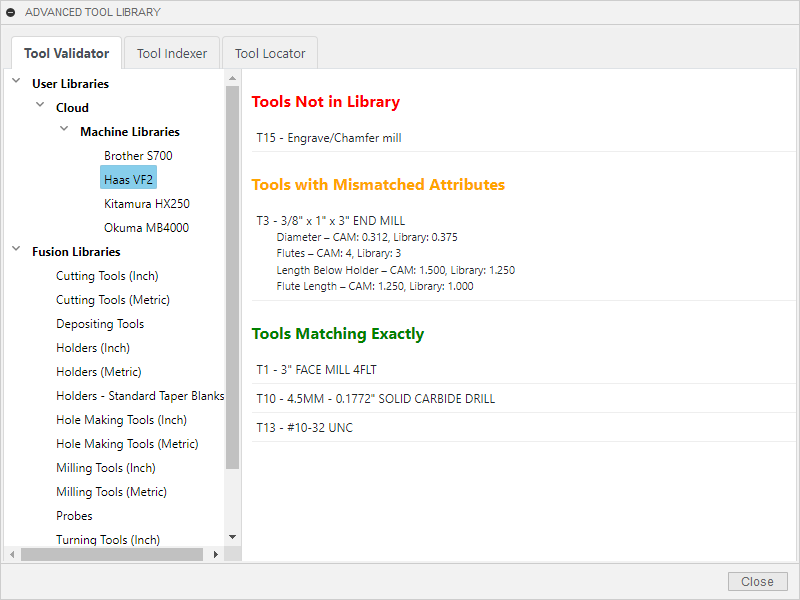
Tool Validator
Ensure your CAM programs are production-ready by comparing tools against a selected library. Get a clear report of missing, mismatched, or matching tools in seconds.
- Missing tools highlighted in red
- Mismatched attributes (diameter, flutes) in orange
- Confirmed matching tools in green
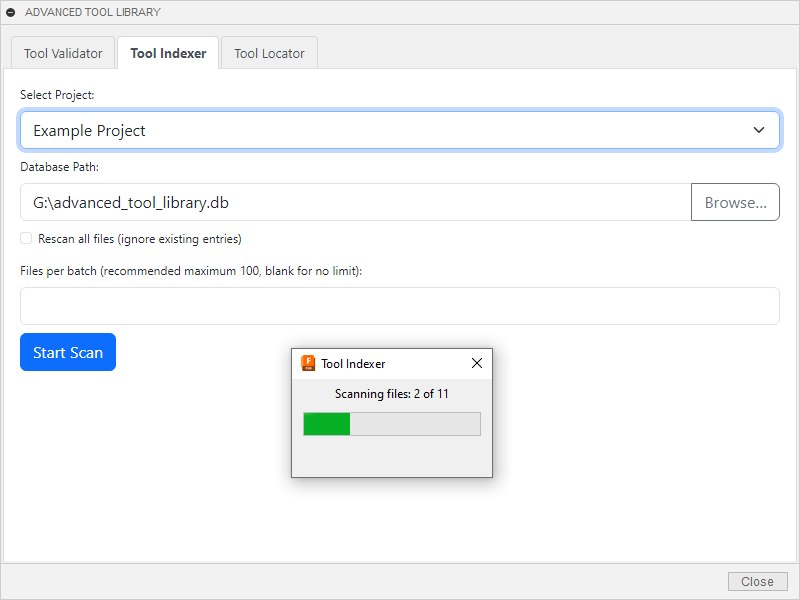
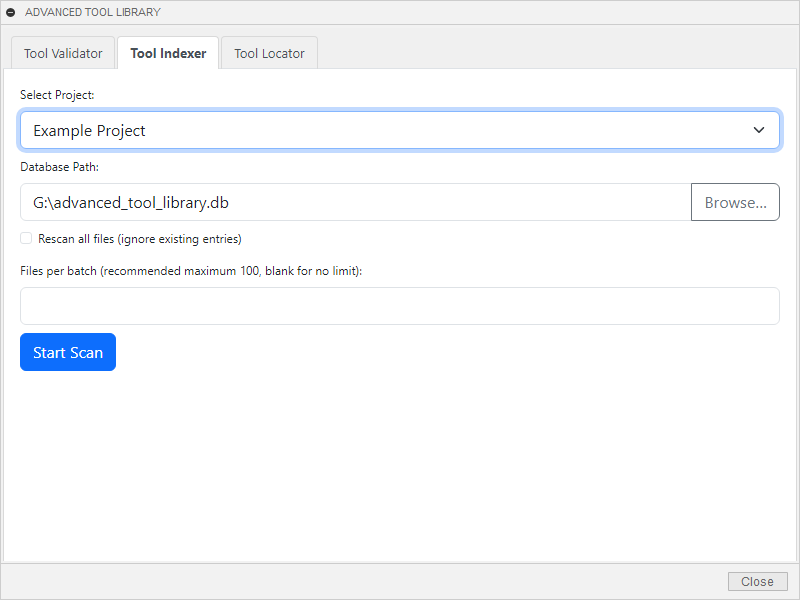
Tool Indexer
Scan your Fusion projects to build a lightweight database of tool usage, cataloguing tools used in each CAM setup for efficient tracking.
- Runs on-demand with minimal resource usage
- Stores tool descriptions and file paths
- Enables fast queries for Tool Explorer
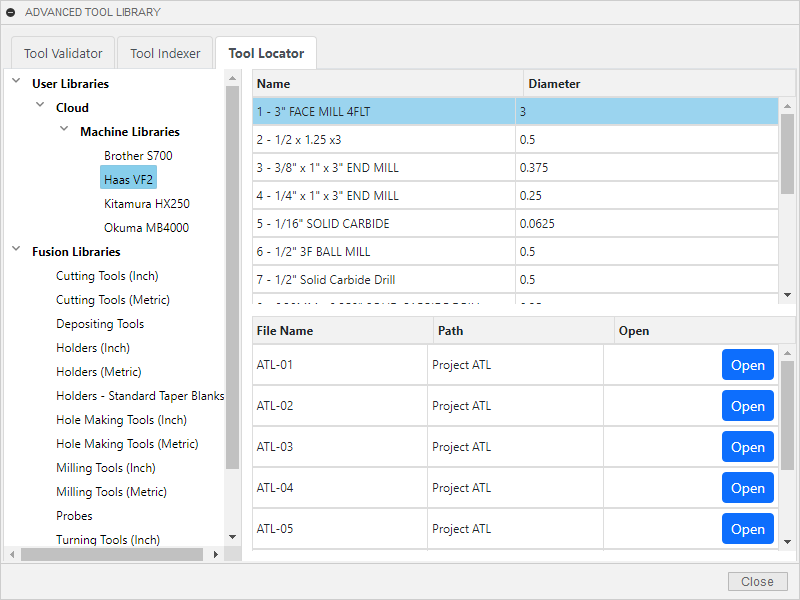
Tool Explorer
Query the tool usage database to find all Fusion files using a specific tool. Browse results and open files directly from the palette.
- Select tools from a library tree
- View file names, paths, and open buttons
- Ideal for auditing and updating tool usage