Stop hand-writing tool tags. Tool Tag Labels pulls data directly from your CAM tool libraries and prints professional labels for any tool holder - in seconds.
Download from Autodesk App Store
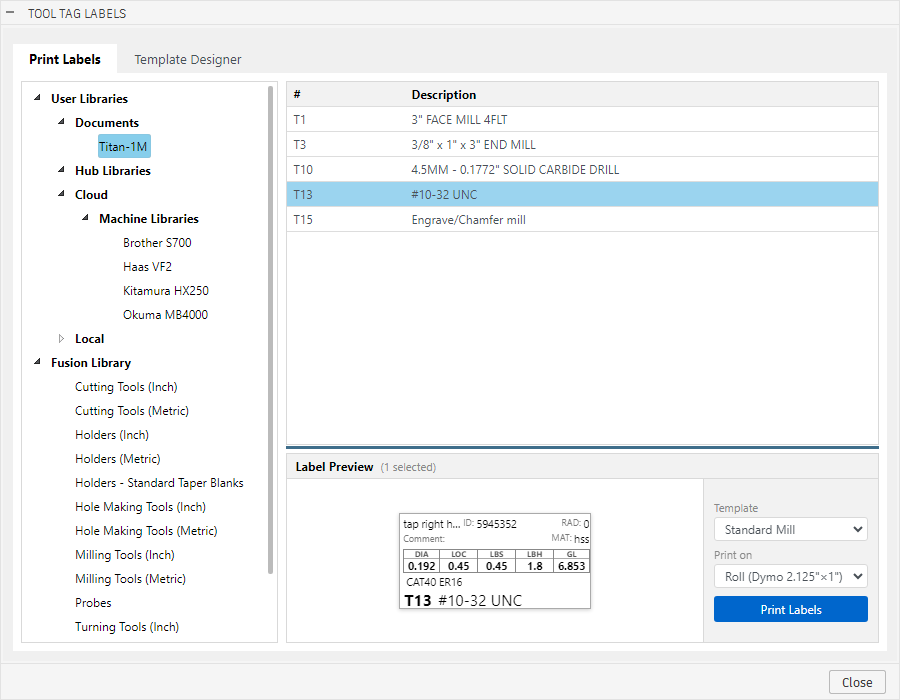
All your Fusion tool libraries - local, cloud, hub, and document - in one tree.
Pick one tool or fifty. Shift-click and Ctrl-click for fast multi-selection.
See exactly how each label will look before printing. Navigate through your selection with the built-in preview controls.
Send to a Dymo roll printer or print a full sheet of 40 labels. Print directly from your browser - no PDF required.
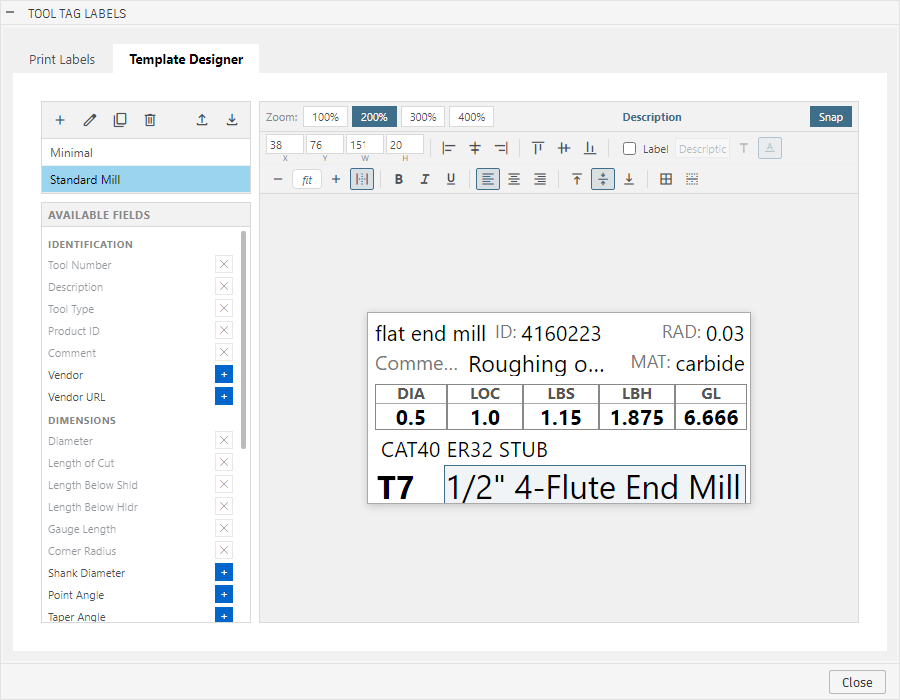
Build your own label layouts with a visual drag-and-drop editor. Control every field's position, size, font, and alignment. Save multiple templates for different tool types.
Browses every library source Fusion supports - not just the ones that are easy to reach.
Two output formats to match whatever printer is on your bench.
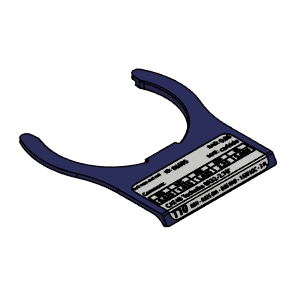
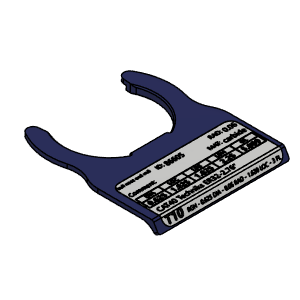
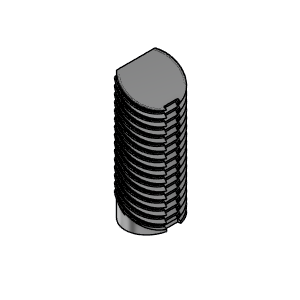
The physical tool tag and holder are designed to be printed on any FDM printer. Mount the holder directly to your machine or toolbox; the tag clips in and out in seconds.
| CAT40 Tool Tag | MakerWorld Printables | |
| BT30 Tool Tag | MakerWorld Printables | |
| CAT40 Tool Tag Holder | MakerWorld Printables | |
| BT30 Tool Tag Holder | MakerWorld Printables |
Questions, feedback, or feature requests - contact us directly.